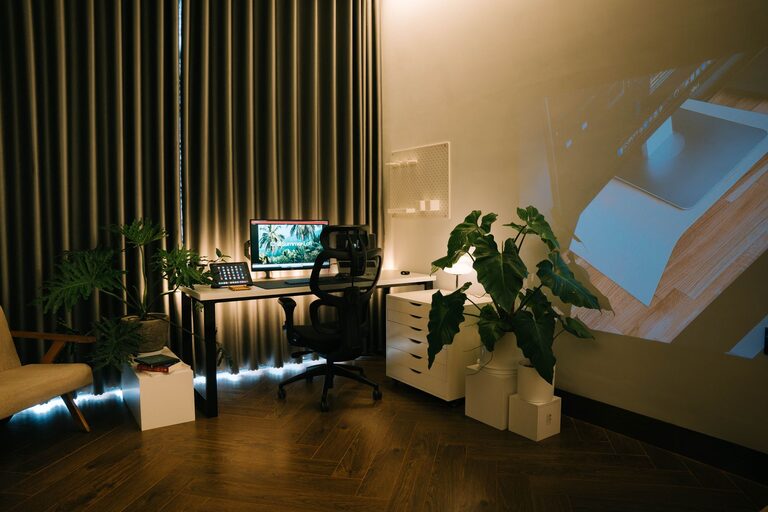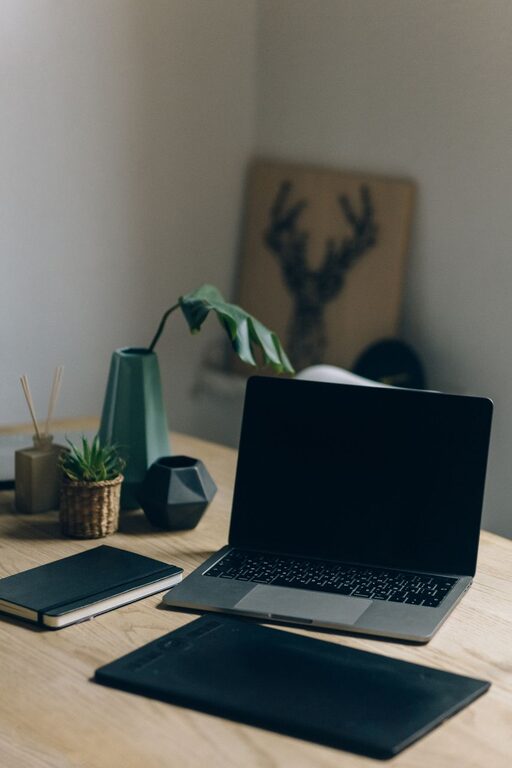
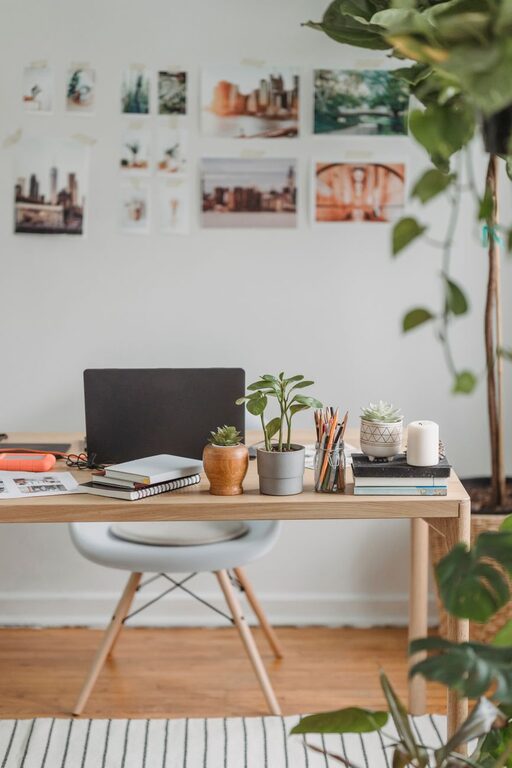
Creating an organized and comfortable home office can make a significant difference in your productivity and overall work satisfaction. Whether you work remotely full-time or occasionally need a space for focused tasks, a well-organized home office helps reduce distractions, improve efficiency, and create a pleasant environment. Here are simple, actionable tips to help you organize your space effectively.
Choose the Right Location
The first step in setting up a productive home office is finding the right spot. Ideally, select a quiet area with minimal foot traffic and distractions. Natural light is a bonus—position your desk near a window if possible, as daylight can boost mood and energy.
If space is limited, consider using a corner of a room or a converted closet. Even a small, dedicated area can be effective if it’s well organized.
Invest in Comfortable and Functional Furniture
Ergonomics matter! Choose a chair that supports good posture and a desk at the correct height to avoid strain. Consider adjustable options if you share your workspace or like to change positions throughout the day.
A spacious desk helps keep your work essentials within reach without cluttering your surface. If storage is a concern, look for desks with built-in drawers or shelves to keep supplies organized and off your work surface.
Declutter and Prioritize Essentials
Clutter can be distracting and overwhelming. Start by removing items you don’t use daily. Keep only your essential equipment—like your computer, notebooks, pens, and a few personal items—on your desk.
Use organizers such as trays, drawer dividers, or small containers to sort office supplies. Label storage bins or folders to make it easy to find what you need quickly.
Use Smart Storage Solutions
Beyond daily essentials, find proper storage for documents and infrequently used items. File cabinets, shelves, or wall-mounted organizers can save desk space and keep papers tidy.
Digital organization is important too—scan and store documents electronically when possible, reducing paper clutter. Use cloud services or backup drives to keep your files safe and accessible.
Keep Cables Neat and Out of Sight
Cable clutter can easily make your workspace look messy. Use cable organizers, clips, or sleeves to bundle cords together and route them discreetly behind your desk.
Wireless peripherals like keyboards, mice, and printers can further reduce cable clutter and make your space more streamlined.
Incorporate Personal Touches Mindfully
Adding a few personal touches can make your home office feel inviting and motivate you to spend time there. Consider a small plant, artwork, or photos that inspire you.
Avoid over-decorating; keep personal items minimal so they don’t become distractions.
Optimize Lighting
Proper lighting reduces eye strain and keeps you alert. Use a combination of natural light, overhead lighting, and a quality desk lamp.
Adjust the brightness and angle of your lamp to avoid glare on your screen. If you work frequently in the evening, a warm-toned light can help create a comfortable atmosphere.
Create Zones for Different Tasks
If your space allows, designate specific areas for different activities—such as a computer workstation, a spot for making calls, or a small area for reviewing documents.
Having zones helps you change focus and keeps your workflow organized.
Maintain Your Workspace Daily
Lastly, make it a habit to tidy your desk at the end of each day. Put away supplies, file papers, and clear your work surface.
Regular maintenance prevents clutter buildup and ensures that you start each day fresh and ready to focus.
—
Organizing your home office doesn’t have to be complicated or expensive. By selecting the right location, investing in functional furniture, decluttering effectively, and incorporating smart storage and lighting solutions, you can create a comfortable and productive workspace tailored to your needs. Remember, a well-organized office supports your work and wellbeing, helping you make the most of your time at home.